Help > Environment Basics > Password Recovery
Password Recovery
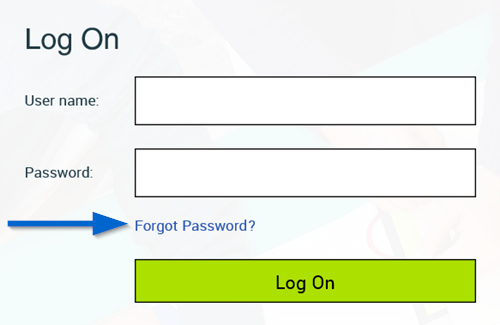
- Once you have the set up your password recovery email, you can use the Forgot Password link on the login page.
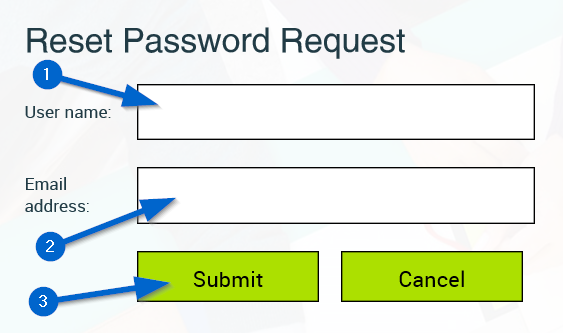
- Enter your User name and the Email address you supplied for password recovery, then hit Submit.
- If you entered the incorrect User name or Email account, you will be presented with the following error message.

- If you entered the correct User Name and Email combination, you will receive the following message.

- You will receive an email with a Password Reset Link, click the link to reset your password.

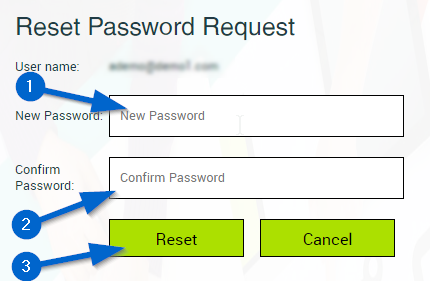
- Enter your New Password in both fields, then click Reset.
- Your password has been reset. Follow the link to return to the login page.
